FIR Items Commands
Control your FIR (Found in Raid) items tracker with these commands:
Live FIR Items Demo
Watch commands update the overlay in real-time
Add Item
Add a new FIR item to your overlay. Sets quantity to 1.
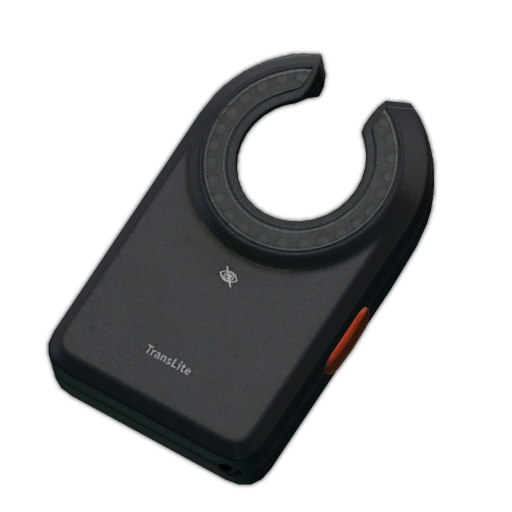
!firadd [item]!firadd LEDXLEDX appears on your overlay with quantity 1
Increase Quantity
Increase item quantity by 1. Creates item if it doesn't exist.
!fir+ [item]!fir+ GPUGPU quantity increases by 1 (or creates GPU with quantity 1)
Decrease Quantity
Decrease item quantity by 1. Removes item if quantity reaches 0.
!fir- [item]!fir- LEDXLEDX quantity decreases by 1 (removed if quantity becomes 0)
Remove Item
Completely remove an item from the overlay (any quantity).
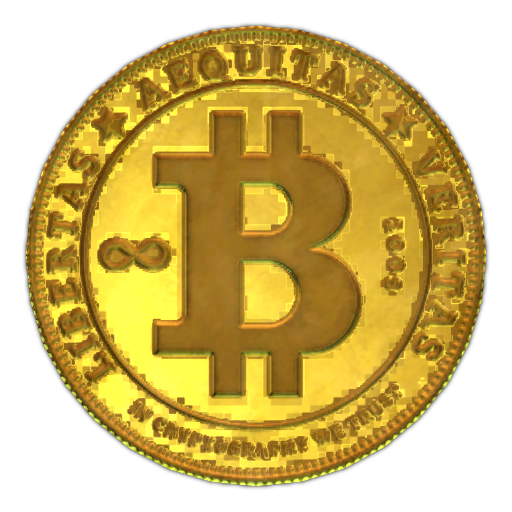
!firremove [item]!firremove BitcoinBitcoin is completely removed from the overlay
Clear All
Remove all FIR items from the overlay. Use at start of stream or wipe.
!firclear!firclearAll items are removed from the overlay
Item Name Tips
- Use common abbreviations: LEDX, GPU, AESA, etc.
- Most full names work: "Graphics card", "Tetriz"
- Case insensitive - !firadd ledx and !firadd LEDX both work
- The overlay auto-matches to the closest Tarkov item
Kill Counter Commands
Track your Tarkov kills with these commands:
Live Kill Counter Demo
Watch kill commands update the counter in real-time
Boss Kill Commands
!killa+!killa-!reshala+!sanitar+!glukhar+!shturman+!tagilla+!kaban+General Kill Commands
!scav+!pmc+!rogue+!cultist+Reset Commands
Reset All Counters
Reset all kill counters to 0. Use at start of stream session.
!killreset!killresetAll kill counters reset to 0
Permissions & Setup
Who Can Use Commands?
By default, only the broadcaster and channel moderators can use overlay commands. This prevents viewers from trolling your overlay.
Broadcaster
Full access to all commands
Moderators
Full access to all commands
Viewers
No access (commands ignored)
How It Works
Your Tarkov stream overlay connects directly to Twitch chat through our cloud bot. No bot account needed in your channel - it works automatically.
- Sign in with Twitch and set up your overlay
- Add the overlay to OBS (see setup guide)
- Commands work immediately - no bot to add or configure
- Only you and your mods can control the overlay
Tips & Best Practices
Start Each Stream Fresh
Use !firclear and !killreset at the start of your stream to reset everything.
Train Your Mods
Share this command list with your moderators so they can help manage the overlay while you focus on gameplay.
Use Short Item Names
Abbreviations are faster: "LEDX" instead of "LEDX Skin Transilluminator", "GPU" instead of "Graphics card".
Commands Are Case-Insensitive
!FIRADD, !firadd, and !FirAdd all work the same.
Updates Are Instant
Your overlay updates in real-time. No refresh or delay needed.
Ready to Control Your Overlay?
Get started with the best EFT OBS overlay. All commands included free.